 Customer support is a crucial part of any business, but handling it all on your own can quickly become overwhelming. Customers expect fast, efficient, and friendly service, and failing to meet their expectations can lead to lost business and a damaged reputation. However, dedicating time to customer inquiries, complaints, and troubleshooting can take you away from growing your business.
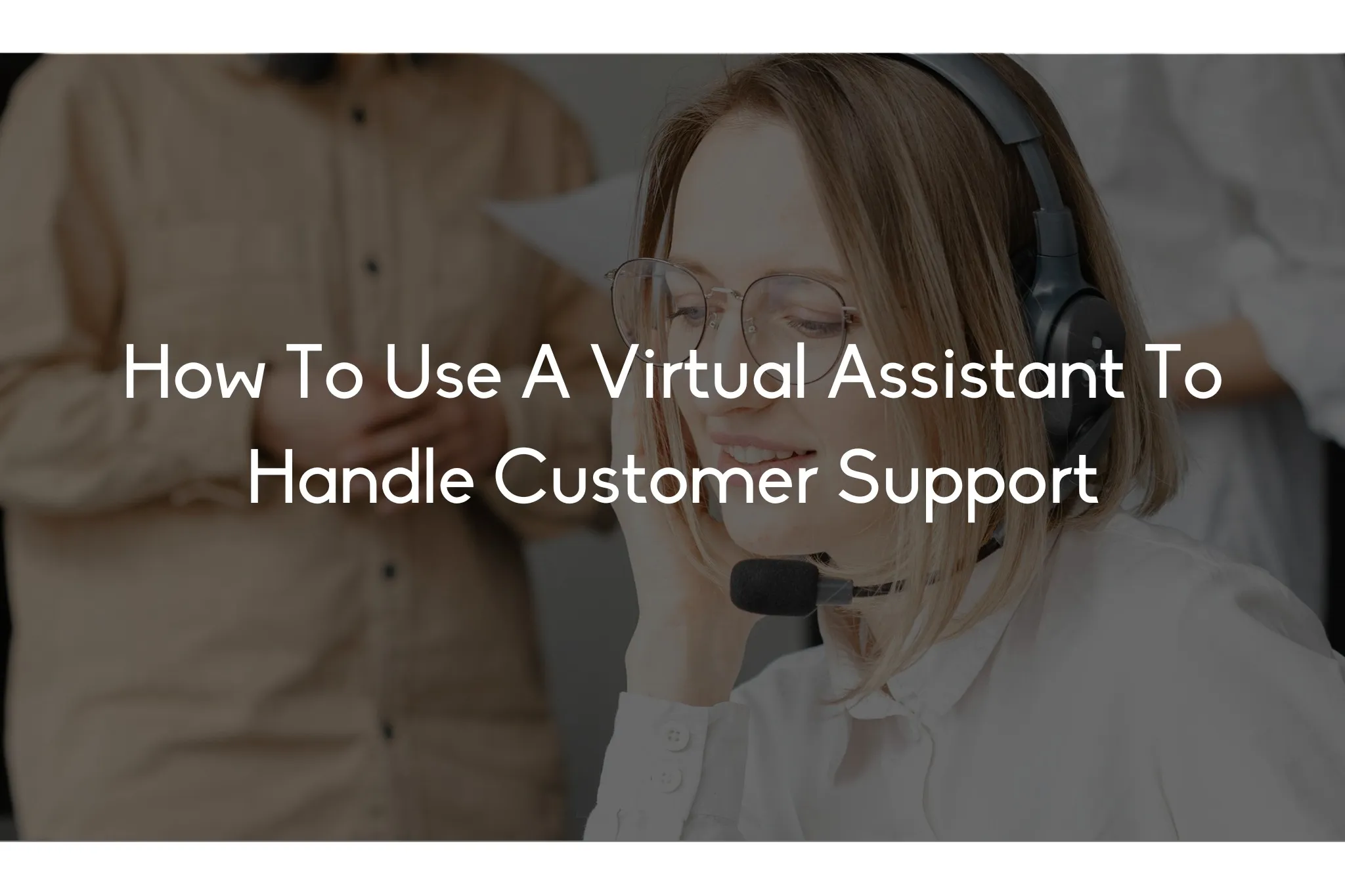
This is where a virtual assistant (VA) can be a game-changer. A VA specializing in customer support can help you manage customer interactions, respond to inquiries, and provide the high-quality service your customers expect—all without draining your time and energy.
This guide will walk you through how to leverage a virtual assistant to handle customer support efficiently. You’ll learn what tasks to delegate, how to set up workflows, and the best tools to use to ensure seamless communication between your VA and your customers.
By the end of this article, you'll have a clear strategy for outsourcing customer support to a VA, allowing you to provide top-tier service while freeing up your time to focus on growth and innovation.
Identify Customer Support Tasks to Delegate
Before hiring a VA, you need to determine which aspects of customer support you want to delegate. Here are some key tasks a VA can handle:
- Email Support: Responding to customer inquiries, complaints, and feedback.
- Live Chat Support: Managing real-time customer questions on your website.
- Social Media Support: Addressing customer questions and concerns via social media platforms.
- Phone Support: Answering calls, providing information, and resolving issues.
- Order Processing: Tracking shipments, processing refunds, and handling returns.
- FAQ and Knowledge Base Maintenance: Updating answers to common customer queries.
- Technical Support Assistance: Guiding customers through troubleshooting steps.
- Appointment Scheduling: Managing bookings and reservations.
By identifying these tasks, you’ll have a clear idea of the skills your VA needs and the level of support they should provide.
Find the Right Virtual Assistant for Customer Support
Look for Customer Service Experience
When hiring a VA, experience in customer service is essential. A great customer support VA should have:
- Strong communication skills
- A professional and friendly attitude
- Experience with customer service platforms (Zendesk, Freshdesk, HubSpot, etc.)
- Problem-solving skills
- The ability to handle high-pressure situations
Where to Find a Virtual Assistant
There are several places to find a qualified customer support VA:
- Freelance Platforms: Upwork, Fiverr, PeoplePerHour
- VA Agencies: Belay, Time Etc, MyOutDesk
- Professional Networks: LinkedIn, Facebook groups for VAs
Interview and Test Candidates
Before hiring, conduct interviews and test their customer service skills. Ask questions like:
- How do you handle a difficult customer?
- Can you provide an example of how you solved a customer issue efficiently?
- What experience do you have with support software?
Testing their responses will help you assess their ability to handle customer interactions professionally.
Set Up a Clear Customer Support System
To ensure your VA provides seamless support, you need a structured system. Here’s how to set it up:
Choose the Right Customer Support Tools
Invest in tools that streamline communication and ticket management:
- Help Desk Software: Zendesk, Freshdesk, Help Scout
- Live Chat Tools: LiveChat, Tidio, Drift
- Social Media Management: Hootsuite, Sprout Social
- CRM Software: HubSpot, Salesforce
- Phone Systems: RingCentral, Google Voice
Your VA should have access to these tools so they can efficiently manage customer interactions.
Create Standard Operating Procedures (SOPs)
SOPs provide clear guidelines for handling different customer scenarios. Your SOPs should include:
- Response templates for common inquiries
- Escalation procedures for complex issues
- Expected response time for each channel (email, chat, phone)
- Guidelines for handling complaints and refunds
Providing detailed SOPs will ensure your VA maintains consistency in customer interactions.
Define Service Expectations
Clearly outline your expectations, including:
- Working hours and response times
- Customer support tone and language
- Handling urgent vs. non-urgent requests
- Reporting and tracking customer issues
Setting these guidelines will help your VA meet customer expectations without confusion.
 Train Your Virtual Assistant
Even if your VA has customer service experience, they need training on your specific business processes, products, and brand voice.
Provide Product and Service Training
Ensure your VA understands your products or services inside and out. Provide them with:
- Product manuals and FAQs
- Live demonstrations or recorded training videos
- A list of common customer issues and their solutions
Role-Playing Customer Interactions
Practice real-life customer scenarios with your VA. For example:
- Handling an upset customer
- Answering a complex product question
- Guiding a customer through troubleshooting steps
This will help them build confidence and handle interactions smoothly.
Monitor and Improve Customer Support Performance
Regular Check-Ins and Feedback Sessions
Schedule weekly or biweekly meetings to discuss:
- Customer feedback and recurring issues
- Areas for improvement
- Challenges faced by the VA
Encourage open communication so your VA feels comfortable discussing their experiences and challenges.
Use Customer Feedback to Improve Support
Analyze customer feedback and adjust your processes accordingly. Look at:
- Customer satisfaction scores (CSAT)
- Resolution time for issues
- Customer complaints and their outcomes
Improving your VA’s approach based on feedback will enhance overall service quality.
Scale Your Customer Support as Your Business Grows
As your business grows, so will your customer service demands. Here’s how to scale effectively:
Hire Additional Virtual Assistants
If your VA is overwhelmed with inquiries, consider hiring additional support staff. You can:
- Assign VAs to specific support channels (email, chat, phone)
- Have dedicated VAs for different time zones
Automate Where Possible
Use automation to streamline processes:
- Chatbots for answering FAQs
- Automated email responses for common inquiries
- Self-service portals to reduce support tickets
Maintain a Knowledge Base
A comprehensive FAQ section or help center reduces the number of inquiries your VA needs to handle. Keep it updated with:
- Step-by-step guides
- Troubleshooting instructions
- Video tutorials
Conclusion
Outsourcing customer support to a virtual assistant can save you time while ensuring your customers receive prompt, professional service. By defining tasks, hiring the right VA, setting up structured workflows, and providing the right tools and training, you can create a seamless support system that enhances customer satisfaction.
As your business grows, continue refining your approach, leveraging automation, and scaling your team to maintain high-quality support. With a well-trained VA managing customer interactions, you can focus on strategic growth while knowing your customers are in good hands.