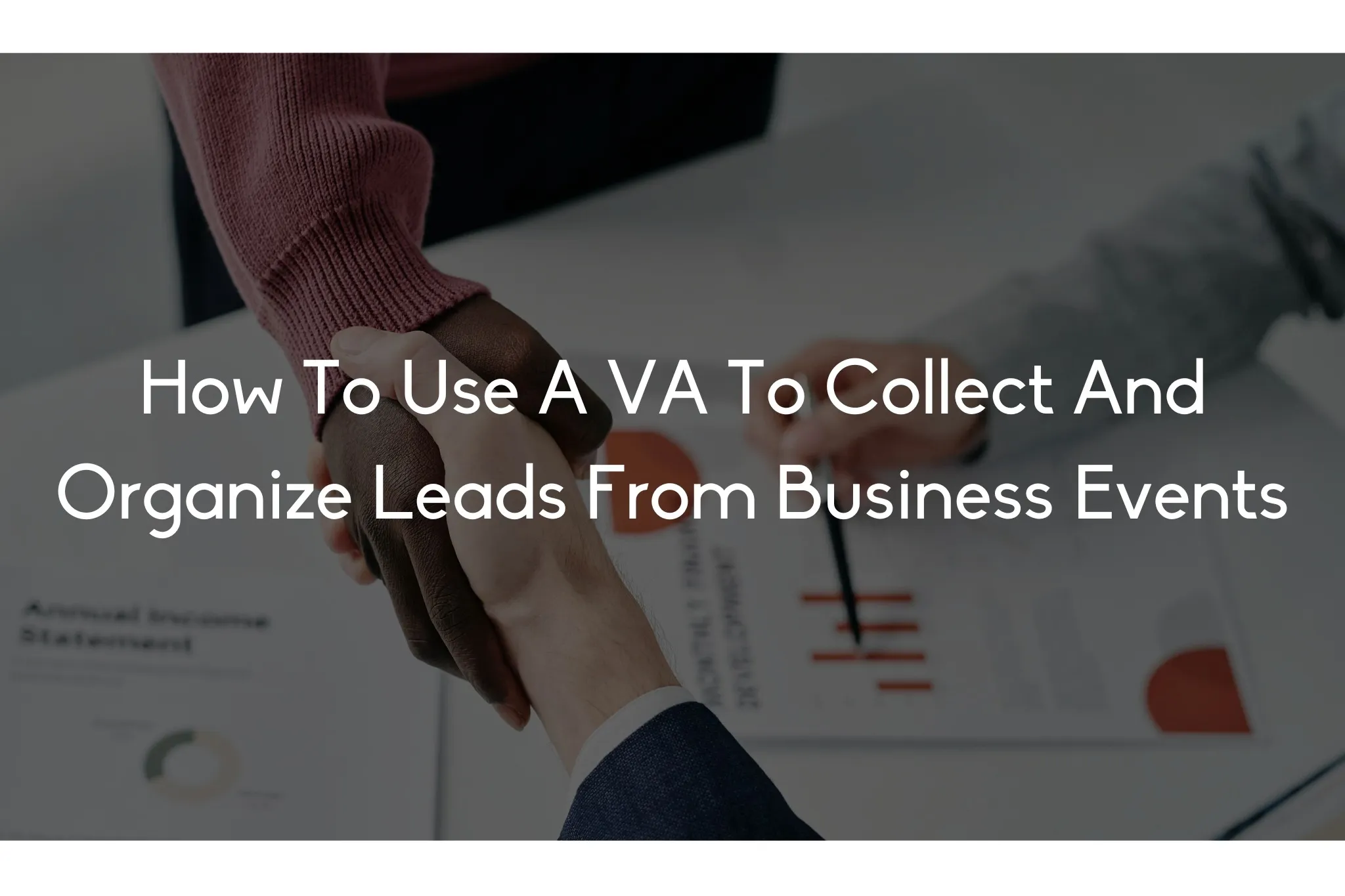
 Business events—whether they’re trade shows, conferences, networking meetups, or webinars—are goldmines for potential leads. The problem? Most business owners leave these events with a pocket full of business cards, a phone packed with photos, and a head buzzing with conversations—but no system to convert those connections into actual business.
That’s where a skilled virtual assistant (VA) becomes your secret weapon.
A VA can handle the collection, sorting, follow-up, and database entry of leads gathered at events—freeing you up to stay focused on relationship-building and sales conversations. With the right systems and direction, your VA can turn a pile of random contacts into a well-organized lead engine.
In this article, we’ll walk through how to effectively leverage a VA before, during, and after business events to maximize lead capture and follow-up. If you’ve ever asked yourself how to get more out of the events you attend, this guide is for you.
Why Business Event Leads Matter (And Why They’re Often Wasted)
Events are full of high-intent individuals—people actively seeking solutions, partnerships, or services. The challenge isn’t meeting them; it’s what happens after the handshake.
Too many small business owners:
- Forget who they spoke with
- Lose business cards
- Fail to follow up in time
- Miss opportunities because their CRM isn’t updated
This is a process problem, not a people problem—and process is what VAs are built for.
Step 1: Prep Your VA Before the Event
Your VA’s role starts before you step foot into the venue.
Build a Lead Capture System
Have your VA create a simple, standardized system for capturing lead details. This can include:
- A shared Google Form or mobile-friendly Typeform
- QR code linking to the form (so you or the lead can input info on the spot)
- An event-specific tab in your CRM
- A spreadsheet with clear fields: name, company, contact info, event name, notes
The goal: No scribbled notes or scattered LinkedIn screenshots. Everything lives in one place from the beginning.
Research Attendees
If attendee lists or speaker bios are available in advance, your VA can research them:
- Identify high-priority prospects
- Note their company size, service needs, or recent activity
- Prepare a one-pager for you to review before the event
This pre-work gives you context going in—and helps you steer conversations more intentionally.
Prepare Follow-Up Assets
Have your VA pre-load email templates or LinkedIn messages for quick post-event follow-ups. These can be customized later but should be structured and ready to go.
Step 2: Real-Time Support During the Event
You don’t need to be juggling logistics while trying to connect with leads.
Live Note Capture
While you’re at the event, send voice memos or quick messages to your VA with lead details after each conversation. For example:
“Spoke with Sarah from GrowthLab—runs a digital agency, hiring soon. Wants to explore using a VA for client onboarding.”
Your VA can transcribe and add this to your CRM or spreadsheet, tagging it appropriately and even flagging hot leads for fast follow-up.
Social Media Monitoring
Ask your VA to monitor event hashtags or posts if it’s a high-profile conference. They can spot opportunities you might miss—like attendees posting their booth visits, panels, or shoutouts—and help you engage in real time.
 Step 3: Organize and Qualify Leads Post-Event
This is where the magic happens—and where most people drop the ball. A VA can pick up all the loose threads and turn them into organized, actionable intel.
Sort and Categorize
Your VA can go through the entire lead list and categorize contacts by:
- Interest level (hot, warm, cold)
- Industry
- Size of business
- Potential value
- Event source
They can add notes from your voice memos or business cards and attach any relevant social media or email interactions.
Import to CRM
All leads should be entered into your CRM or email marketing platform. Your VA should ensure:
- No duplicates
- Complete info (email, LinkedIn, phone, notes)
- Correct tagging or segmentation (e.g., “Q2 Event Leads – Nashville”)
If you’re not using a CRM, your VA can help you set up a basic one or create a master Google Sheet to start.
Step 4: Follow-Up and Nurture
Time kills deals. Your VA should be tasked with managing and triggering follow-ups right after the event.
Send Thank-You Notes or Connection Requests
Have your VA send:
- Personalized thank-you emails
- LinkedIn connection requests (with context)
- Calendar invites for any booked calls
These should feel human, not robotic. Provide your VA with a few tone-approved message templates so they can tweak based on the lead type.
Launch an Automated Nurture Sequence
Leads who aren’t ready to buy now shouldn’t be lost. Your VA can add them to:
- A 3–5 email nurture sequence introducing your services
- A monthly newsletter
- A “check-in in 30 days” list
They can also monitor responses, flag high-interest replies, and update your CRM accordingly.
Step 5: Monthly Lead Review and Cleanup
Event leads don’t stop being valuable after one follow-up. A VA can maintain and review the list every month.
Re-Engage Cold Leads
Your VA can check in with leads who went quiet, using different angles like:
- “Wondering if the timing is better now?”
- “We just launched a new service I thought you’d like.”
- “Wanted to share a case study that reminded me of your business.”
Clean the Data
People change jobs, emails bounce, and leads go cold. Your VA should do monthly list hygiene:
- Remove or update bounced emails
- Check LinkedIn for updates
- Re-segment or remove inactive leads
This keeps your database healthy and your outreach accurate.
Real-World Example: How a Katuva VA Can Help
Let’s say you’re a marketing consultant attending a small business expo. You speak to 30 people over two days. Here’s how your Katuva VA would manage it:
- Before the event: They create a lead form, research 10 target attendees, and prep your follow-up templates.
- During the event: You WhatsApp them audio notes after each convo. They input all the details, flag high-interest leads, and prep your daily summary.
- After the event: They clean the list, push everything to your CRM, send out thank-you emails, and launch a drip sequence.
- Next 30 days: They keep nurturing, book calls, and follow up with cold contacts.
All while you stay focused on client work and sales calls.
The Right VA Makes All the Difference
This isn’t just about outsourcing admin work—it’s about installing a system that lets you capture real value from every business event you attend. Most people let leads go cold. With a Katuva-trained VA, you can ensure every connection is followed up, tracked, and nurtured with care.
Our VAs are trained not just in task execution, but in understanding business priorities and communication nuance. That means you don’t have to micro-manage. You just show up and network—we’ll help you turn the results into revenue.
Want to Implement This?
If you’re attending events and not sure how to scale your follow-up, this is the perfect use case for hiring a VA. Whether you already have someone on your team or need help finding the right fit, Katuva can help set up the systems, training, and workflows that make lead management seamless.